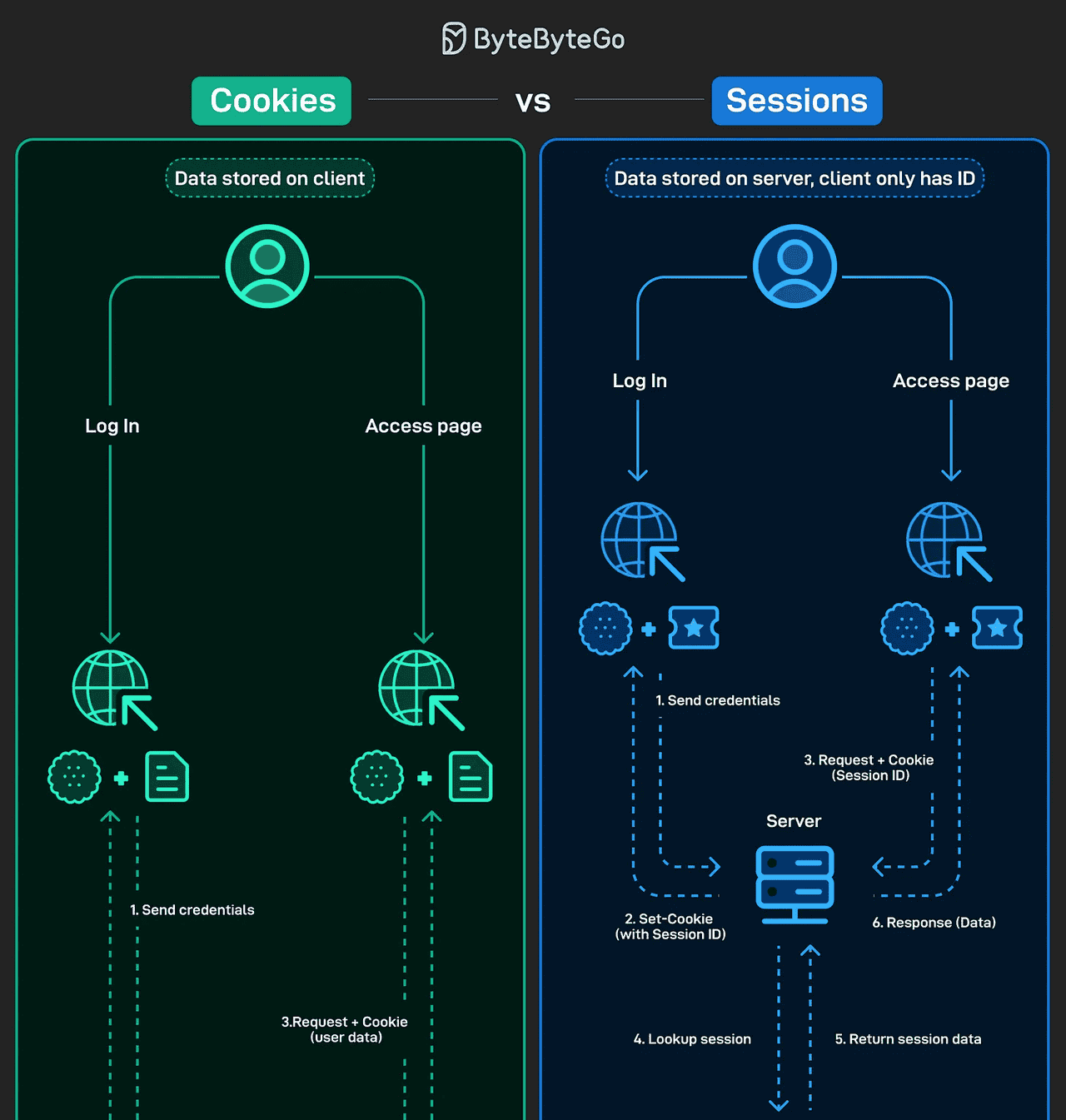
Word VBA编程代码集
共有67个word代码案例,总容量是232K。
宝贝默认以百度网盘自动发货,客户有需要发货到其他地址的,请在淘宝旺旺告知小二。
由于案例较多,下面仅展示部分内容
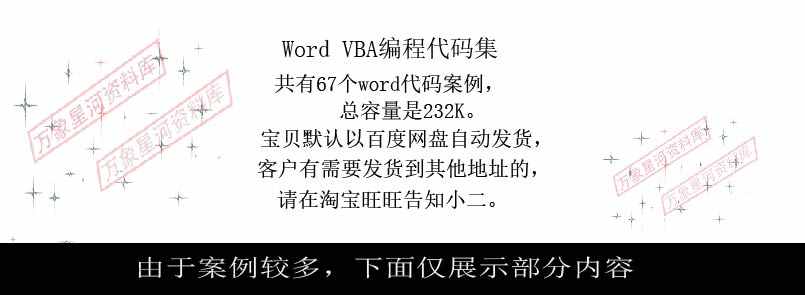
[001]空白段落的删除
功能简介:可以对指定长度的段落进行删除,当LEN=1时可对空白段落进行删除。
Sub DelBlank()
Dim i As Paragraph, n As Long
Application.ScreenUpdating = False
For Each i In ActiveDocument.Paragraphs
If Len(i.Range) = 1 Then
i.Range.Delete
n = n + 1
End If
Next
MsgBox “共删除空白段落” & n & “个”
Application.ScreenUpdating = True
End Sub
[003]段落样式与格式的应用
功能简介:由于手动录入的段落编号不能被WORD所识别,以后的样式与格式的设置以及目录索引等一系列的问题,本代码即是将编号转换为指定样式的过程。
Sub Sample()
Dim i As Paragraph, MyStr As String
Application.ScreenUpdating = False
MyStr = “一二三四五六七八九十”
For Each i In Me.Paragraphs
If i.Range Like “(*) ” = True Then
i.Style = wdStyleHeading1
ElseIf i.Range Like “#.#.#” = True Then
i.Style = wdStyleHeading2
ElseIf i.Range Like “#.#” = True Then
i.Style = wdStyleHeading3
ElseIf i.Range Like “##.##” = True Then
i.Style = wdStyleHeading4
ElseIf InStr(MyStr, Me.Range(i.Range.Start, i.Range.Start + 1).Text) > 0 Then
i.Style = wdStyleHeading5
Else
i.Style = wdStyleNormal
End If
Next
Application.ScreenUpdating = True
End Sub
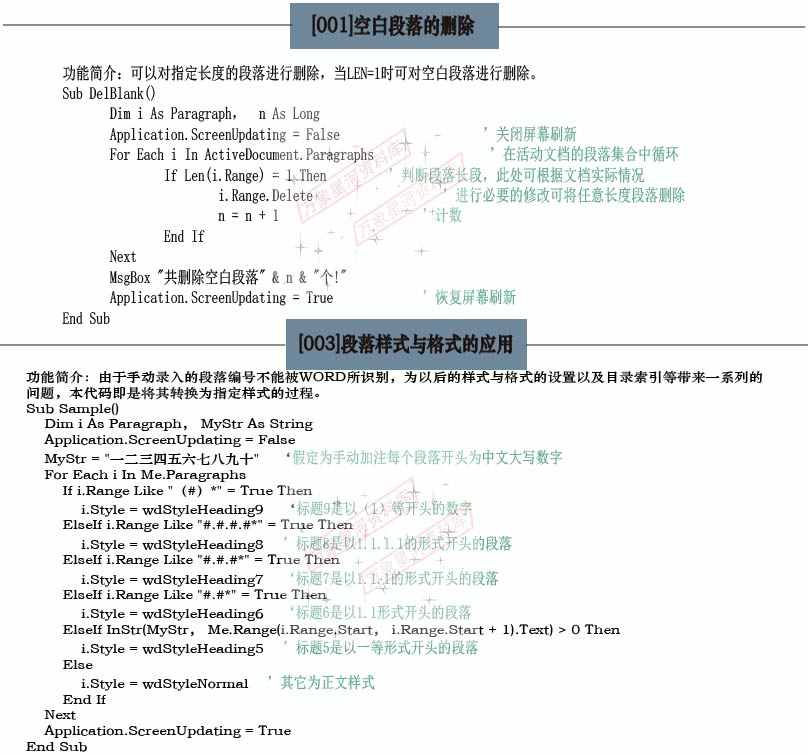
[036]自动图文集与自选图形-自动插入带编号的小楔
功能简介:本过程可以自动插入一个带编号的小楔(由直线与”星与菱形”的组合图形),它需要在指定的模板中进行创建自动图文集,为加快生成速度,我们可以指定快捷键为CTRL+1
Sub AutoInsertShapes()
Dim i As Integer
On Error Resume Next
With ActiveDocument
.Range(0, 0).Select
If .Shapes.Count = 0 Then
i = 1
Else
i = .Shapes.Count
End If
.AttachedTemplate.AutoTextEntries(“小红楔”).Insert Where:=.Selection.Range, RichText:=True
.Shapes(.Shapes.Count).GroupItems(1).TextFrame.TextRange.Text = i
.Shapes(.Shapes.Count).Select
Selection.ShapeRange.Top = 200
Selection.ShapeRange.Left = 300
End With
End Sub
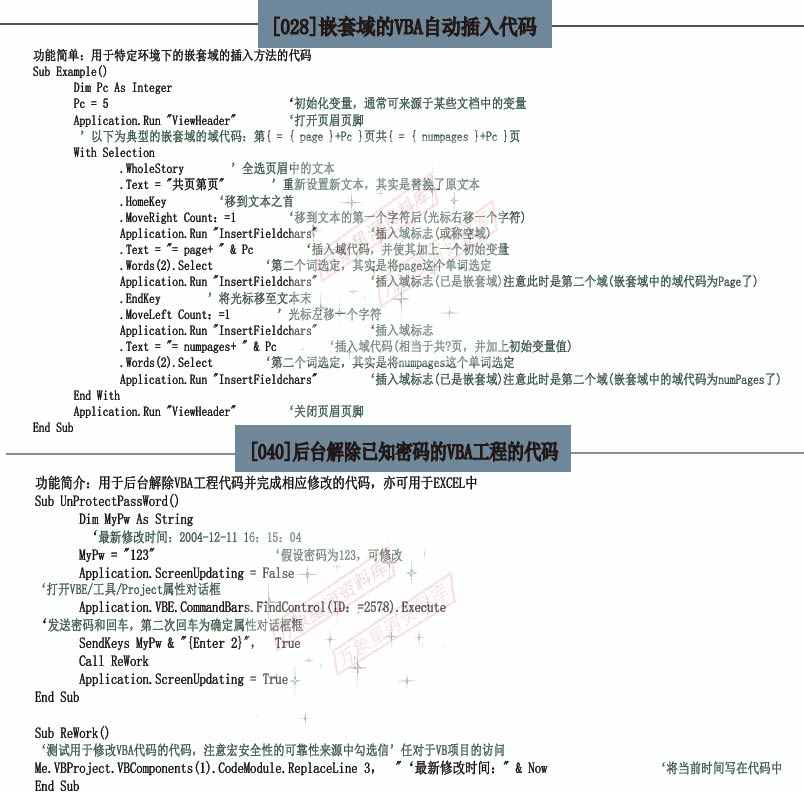
[028]特定区域的VBA自动插入代码
功能简介:用于特定环境下的插入方法的代码
Sub Example()
Dim Pc As Integer
Pc = 5
Application.Run “ViewHeader”
With Selection
.WholeStory
.Text = “共” & Pc & “页”
.HomeKey
.MoveRight Count:=1
Application.Run “InsertFieldChars”
.Text = “= { page } +Pc “
.Words(2).Select
Application.Run “InsertFieldChars”
.EndKey
.MoveLeft Count:=1
Application.Run “InsertFieldChars”
.Text = “= { numpages} + Pc “
.Words(2).Select
Application.Run “InsertFieldChars”
End With
Application.Run “ViewHeader”
End Sub
[040]后台解除已知密码的VBA工程的代码
功能简介:用于后台解除VBA工程宏或完成相应修改的代码,亦可用于EXCEL中
Sub UnProtectPassWord()
Dim MyPw As String
MyPw = “123”
Application.ScreenUpdating = False
Application.VBE.CommandBars.FindControl(ID:=2578).Execute
SendKeys MyPw & “{Enter 2}”, True
Call ReWork
Application.ScreenUpdating = True
End Sub
Sub ReWork()
‘测试用于修改VBA代码的宏,注意宏安全性的可选性源自中勾选”信任对Visual Basic”项目的访问
Me.VBProject.VBComponents(1).CodeModule.ReplaceLine 3, “最新修改时间:” & Now
End Sub
© 版权声明
文章版权归作者所有,未经允许请勿转载。
相关文章





暂无评论...