1、多通道分离成单通道
使用函数split:split(输入Mat变量,输出Mat数组)
2、多通道混合成一幅彩图
merge(Mat 数组,输出的Mat变量)
3、案例
int test11() {
Mat img = imread(“C:\Users\86188\Desktop\526.jpg”);
Mat dst;
Mat blueChannel, greenChannel, redChannel;
vector<Mat>channel;
split(img,channel);
blueChannel = channel.at(0);
greenChannel = channel.at(1);
redChannel = channel.at(2);
imshow(“blue”, channel.at(0));
imshow(“green”, greenChannel);
imshow(“red”, redChannel);
merge(channel,dst);
imshow(“合并后的图像”,dst);
waitKey(1000000);
return 0;
}
结果如下:
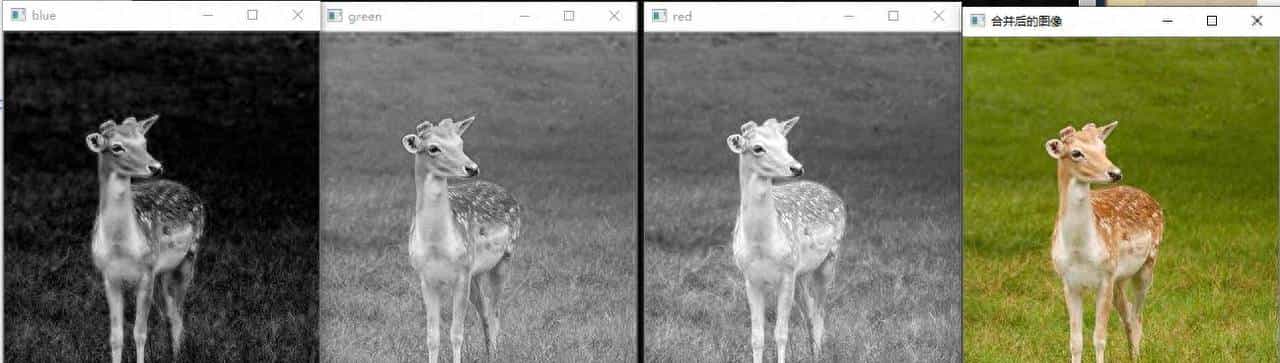
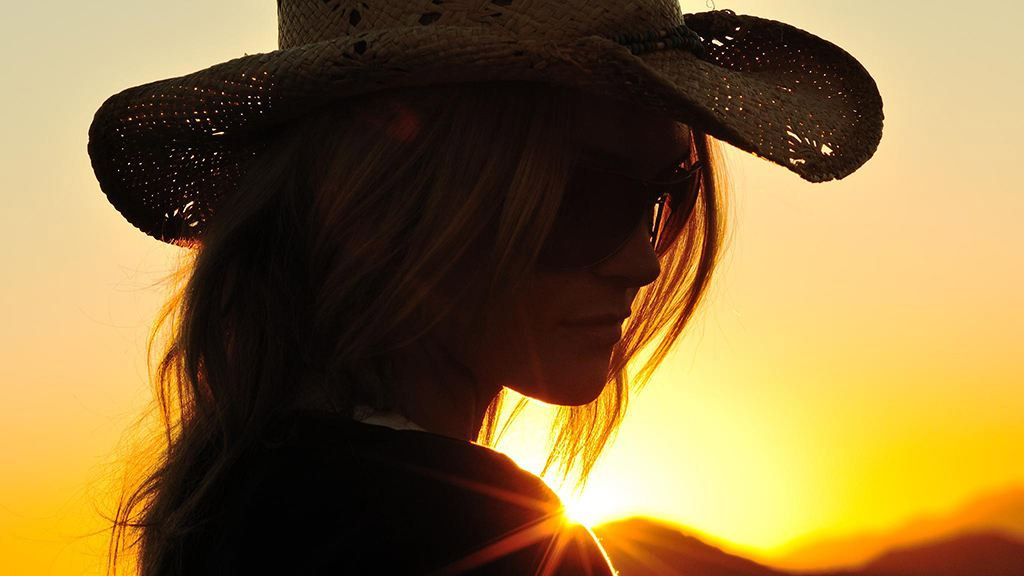
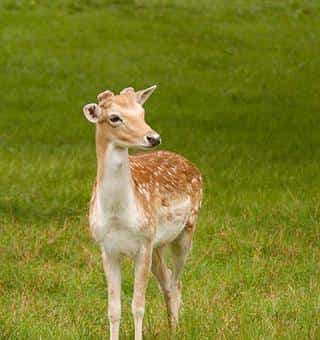
合并后的图像与原图一样,下面给出原图
欢迎大家点赞,转发,评论。
© 版权声明
文章版权归作者所有,未经允许请勿转载。
相关文章



暂无评论...