
1 引言
Kotlin Notebook 是一种使用 Kotlin 进行试验的有趣方式,无论您是在测试 Kotlin 语法还是探索库。但是,要在 IntelliJ 或 Android Studio 中使用 Kotlin Notebook 插件,都要求用户花钱购买一个 Ultimate Subscription,这使得开发者无法免费使用它。而开发者实际上是可以使用 Kotlin Notebook 内核免费运行 Kotlin Notebooks的。

是的,您可以免费使用 Kotlin Notebook!
由于内核是免费的,并且 Kotlin Notebook 是可用于 Jupyter Notebook 的内核之一,因此您可以像使用任何其他 Python Notebook 一样使用它。这意味着您可以使用 Jupyter Lab 在浏览器中运行它,也可以在 Visual Studio Code 中运行它。
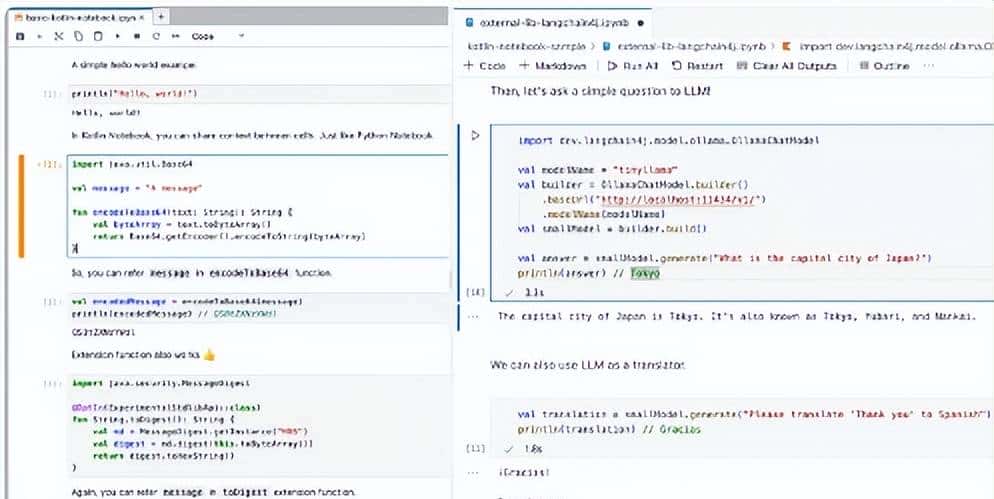
在浏览器中运行Kotlin Notebook
2 安装
您需要做的就是通过运行命令pip install kotlin-jupyter-kernel来安装 Kotlin 内核。然后,选择 Kotlin 作为 Jupyter 内核中的内核。
$ pip install kotlin-jupyter-kernel
Looking in indexes: https://mirrors.cloud.tencent.com/pypi/simple
Collecting kotlin-jupyter-kernel
  Downloading https://mirrors.cloud.tencent.com/pypi/packages/57/25/f5f01fc23b63848fe7926d8c43a4a0d5668ed1208734b49c1d8d71fcf5fc/kotlin_jupyter_kernel-0.12.0.217-py3-none-any.whl (81.1 MB)
     ---------------------------------------- 81.1/81.1 MB 7.7 MB/s eta 0:00:00
Installing collected packages: kotlin-jupyter-kernel
Successfully installed kotlin-jupyter-kernel-0.12.0.217
注意:腾讯的镜像服务器近期(2024-9-5)不太稳定,我执行上述安装命令,失败了3次,都是在进展到不同的进度后,报“socket.timeout: The read operation timed out”。
安装后在命令行环境中执行jupyter notebook,在浏览器页面上选择Kotlin:
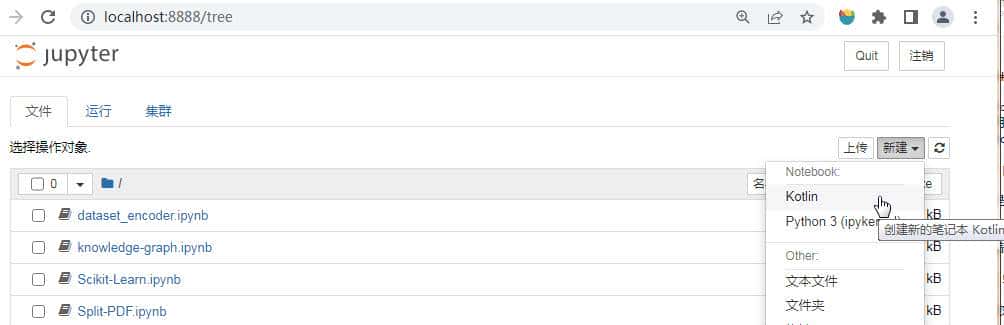
Jupyter Kotlin
但是似乎kotlin-jupyter-kernel不太稳定,我才运行不到一分钟,就弹出提示框:
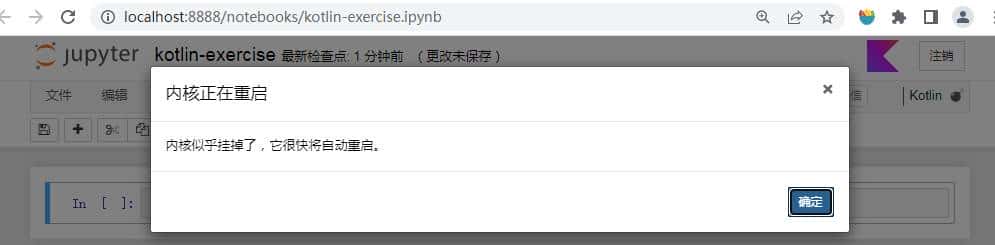
警告提示框
下面写一个程序验证一下。在Jupyter Notebook的单元格输入以下代码:
val pi = 3.14
fun circumference(radius: Double) = 2 * pi * radius
val circle1 = circumference(5.2)
val circle2 = circumference(7.8)
val circle3 = circumference(10.0)
print(circle1)
print(circle2)
print(circle3)
在Jupyter Notebook上运行,报内核挂掉的错误。
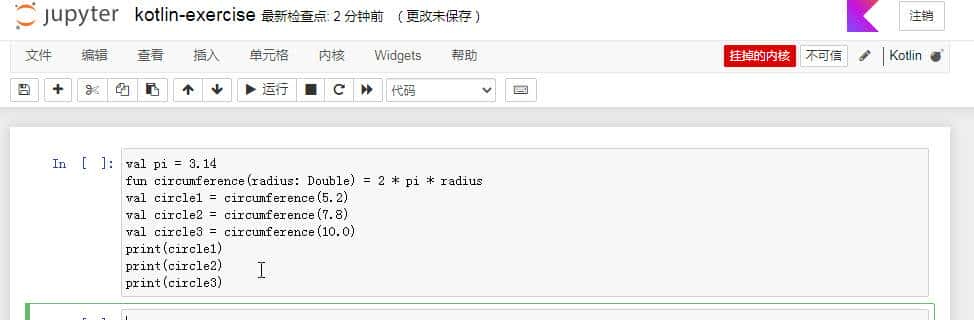
内核挂掉
查看命令行的控制台,输出如下错误:
FileNotFoundError: [WinError 2] 系统找不到指定的文件。
[I 10:32:18.994 NotebookApp] KernelRestarter: restarting kernel (1/5), keep random ports
kernel f0b85d2a-fc10-491c-9a7a-e6849b108f75 restarted
[E 10:32:18.995 NotebookApp] KernelRestarter: restart callback <bound method ZMQChannelsHandler.on_kernel_restarted of ZMQChannelsHandler(f0b85d2a-fc10-491c-9a7a-e6849b108f75)> failed
    Traceback (most recent call last):
      File "D:devminiconda3libsite-packagesjupyter_client
estarter.py", line 105, in _fire_callbacks
......
不深究了,这是一个很好的开源项目,但是还不稳定,距离稳定版还有一段时间。查看其GitHub主页,目前获得1.1K star,当前的版本为0.12.0.217,项目还处于初期阶段。
先卸载了:
$ pip uninstall kotlin-jupyter-kernel© 版权声明
文章版权归作者所有,未经允许请勿转载。













好棒👏