
更多互联网新鲜资讯、工作奇淫技巧关注原创【飞鱼在浪屿】(日更新)
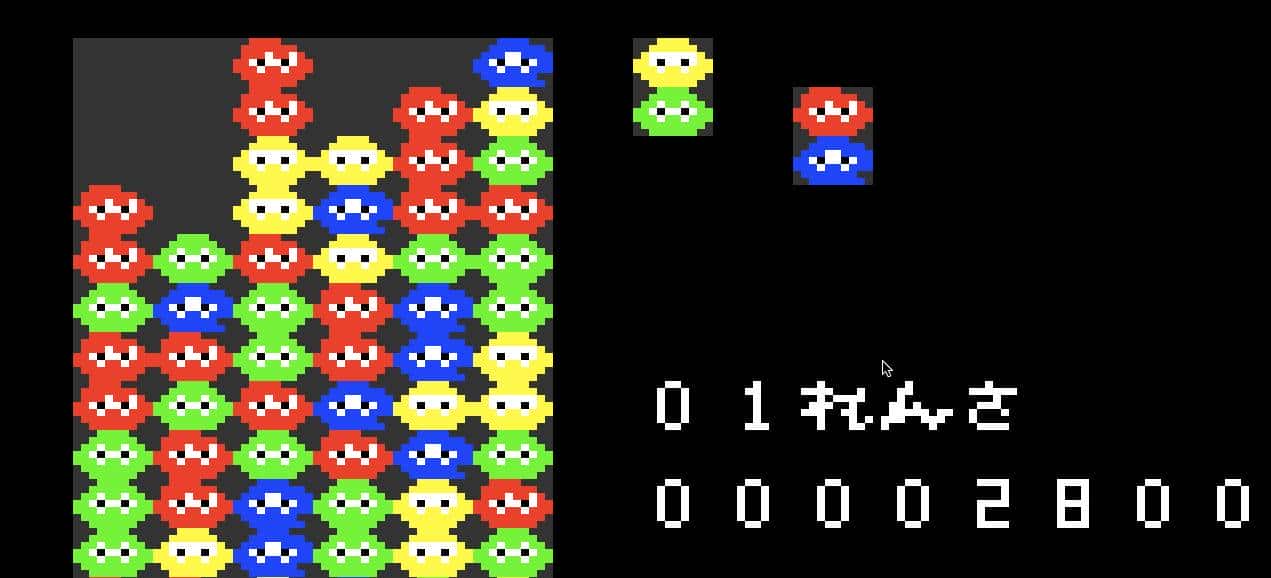
vim上使用插件甚至还可以玩游戏。
操作步骤:
下载vim插件管理器:
git clone https://github.com/VundleVim/Vundle.vim.git ~/.vim/bundle/Vundle.vim

下载游戏引擎:
git clone  https://github.com/rbtnn/vim-game_engine.git ~/.vim/vim-game_engine.vim

下载俄罗斯方块:
git clone https://github.com/rbtnn/vim-puyo.git ~/.vim/bundle/vim-puyo.vim

编辑vimrc文件:
centos:
vim /etc/vimrc

ubuntu:
vim /etc/vim/vimrc

在vimrc文件头加上以下内容:
runtime! debian.vim " ubuntu专属
set nocompatible              " be iMproved, required
filetype off                  " required
set rtp+=~/.vim/bundle/Vundle.vim
call vundle#begin()
Plugin 'VundleVim/Vundle.vim'
Plugin 'VundleVim/vim-game_engine.vim'
Plugin 'VundleVim/vim-puyo.vim'
call vundle#end()            " required
filetype plugin indent on    " required

敲命令vim
输入:PluginInstall,接着安装完
输入:Puyo进行游戏

一些按键说明:
k key : Quick-Drop.
x key : Left-Handed Rotation.
z key : Right-Handed Rotation.
h key : Move puyos to the left.
l key : Move puyos to the right.
j key : Move puyos to the down.
q key : exit puyo.vim(same as GameOver).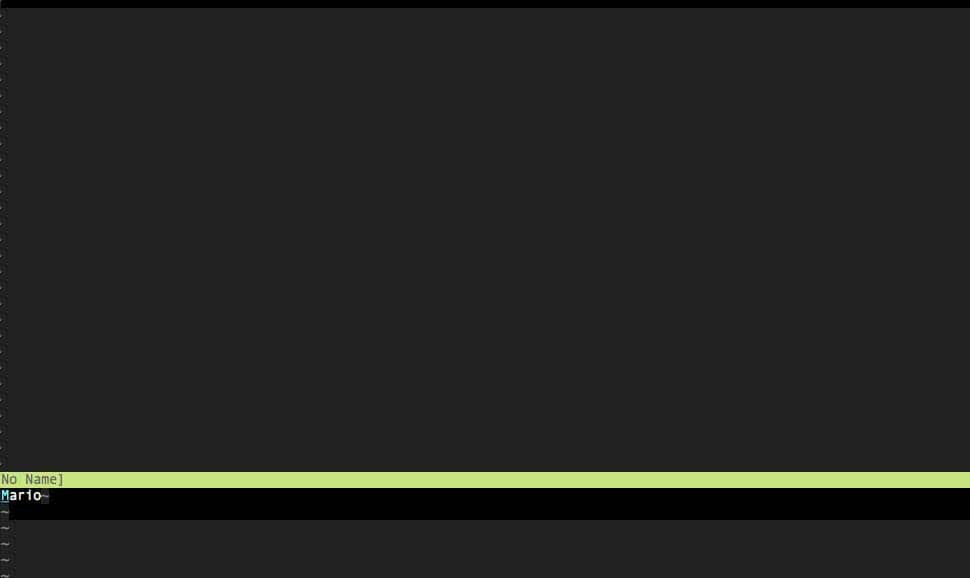
这里还有超级马里奥版本:
https://github.com/rbtnn/vim-mario
© 版权声明
文章版权归作者所有,未经允许请勿转载。














也还是一个软件