
最近可能许多人在犹豫要不要买Apple M1的苹果电脑,担心兼容性问题。实则完全不用担心。Apple M1绝对是强劲的生产力工具。这里分享下如何用pip安装x86的Python wheel包。
安装pip
Mac自带Python 2.7。如果第一次在terminal中运行Python3,会提示安装。
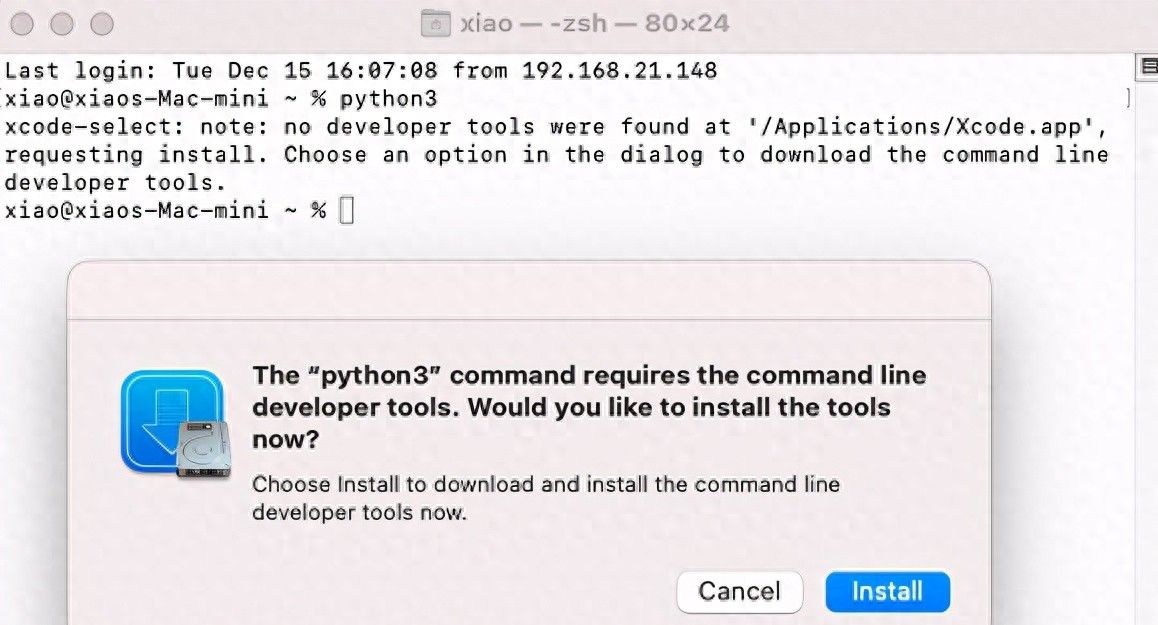
点击安装之后。就可以运行Python3。
接下来安装pip:
curl https://bootstrap.pypa.io/get-pip.py -o get-pip.py
python3 get-pip.py
安装x86的wheel包
如果你直接用pip去安装包含x86库的Python包,会失败:
python3 -m pip install dbr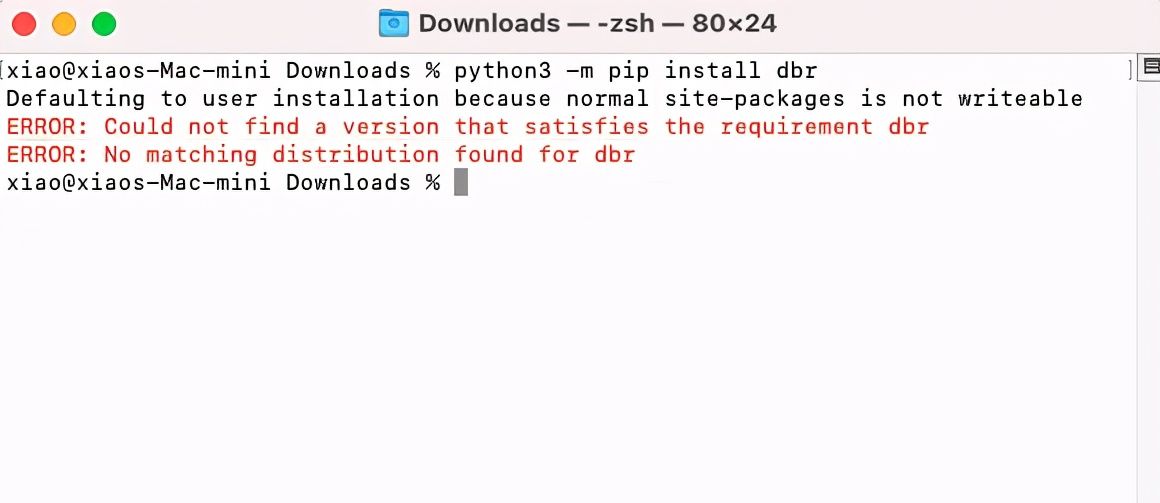
可能有人会觉得由于M1不兼容。这个时候来看下Python3的arch:
% file $(which python3)
/usr/bin/python3: Mach-O universal binary with 2 architectures: [x86_64:Mach-O 64-bit executable x86_64] [arm64e:Mach-O 64-bit executable arm64e]
/usr/bin/python3 (for architecture x86_64):	Mach-O 64-bit executable x86_64
/usr/bin/python3 (for architecture arm64e):	Mach-O 64-bit executable arm64e
发现Python3是可以同时兼容arm64和x86的。苹果默认会当作arm64来执行。所以需要设置一下arch:
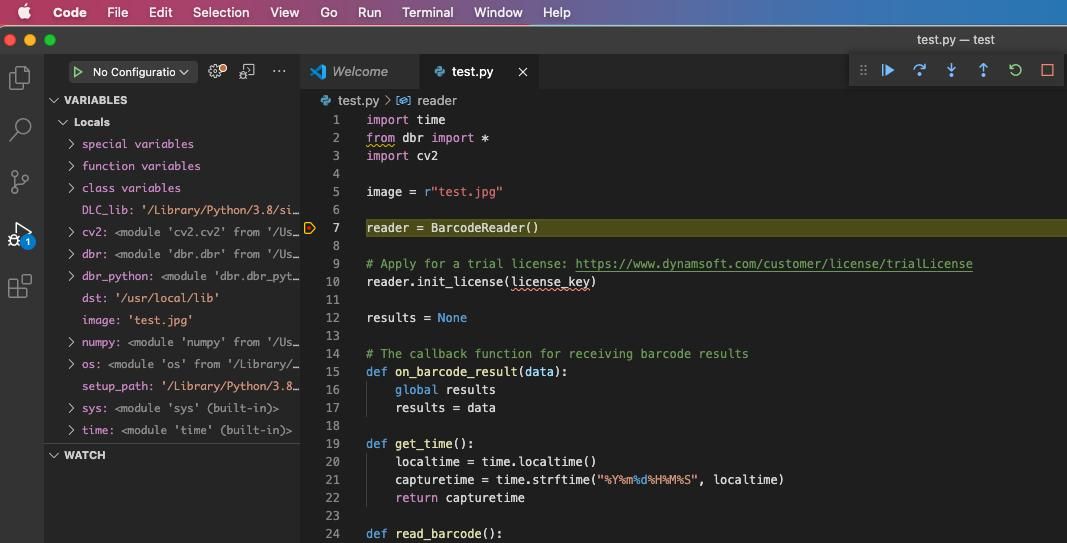
arch -x86_64 $(which python3) -m pip install dbr另外,你也可以选择在vscode中直接运行调试Python程序,超级方便。
测试OpenCV打开摄像头
Mac对权限有限制,terminal无法运行程序打开摄像头。
安装iTerm2(https://iterm2.com)。在iTerm2中运行Python摄像头程序可以获得权限。
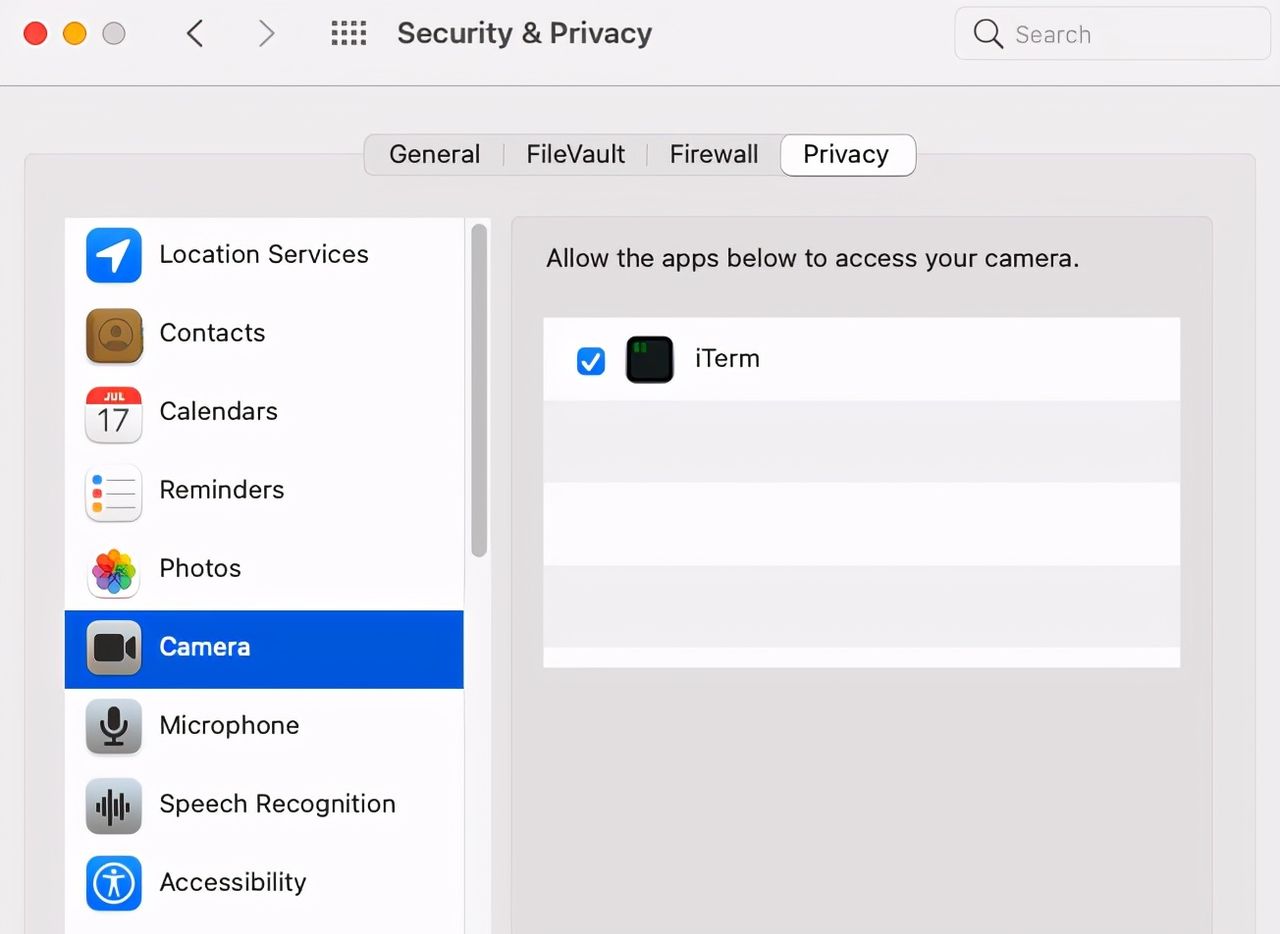
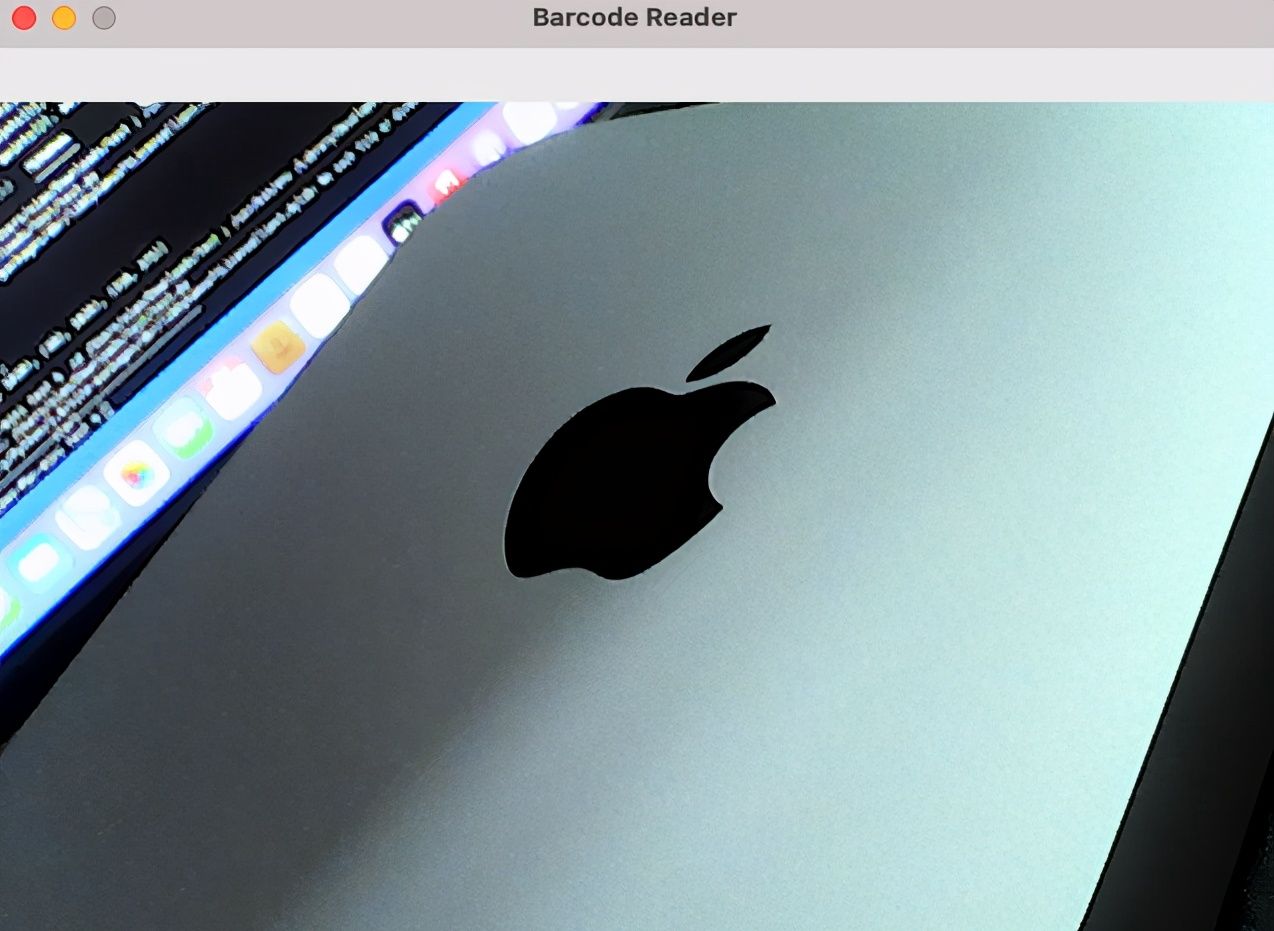
目前可以通过Python OpenCV接口打开摄像头了:
© 版权声明
文章版权归作者所有,未经允许请勿转载。








收藏了,感谢分享